
Modular Weapon Trails Pro
Give every swing its own element.
Elemental weapon trails drawn from your real attack animations. Choose an element and a shape independently, layer the effect, and tune each attack with one Anim Notify State.
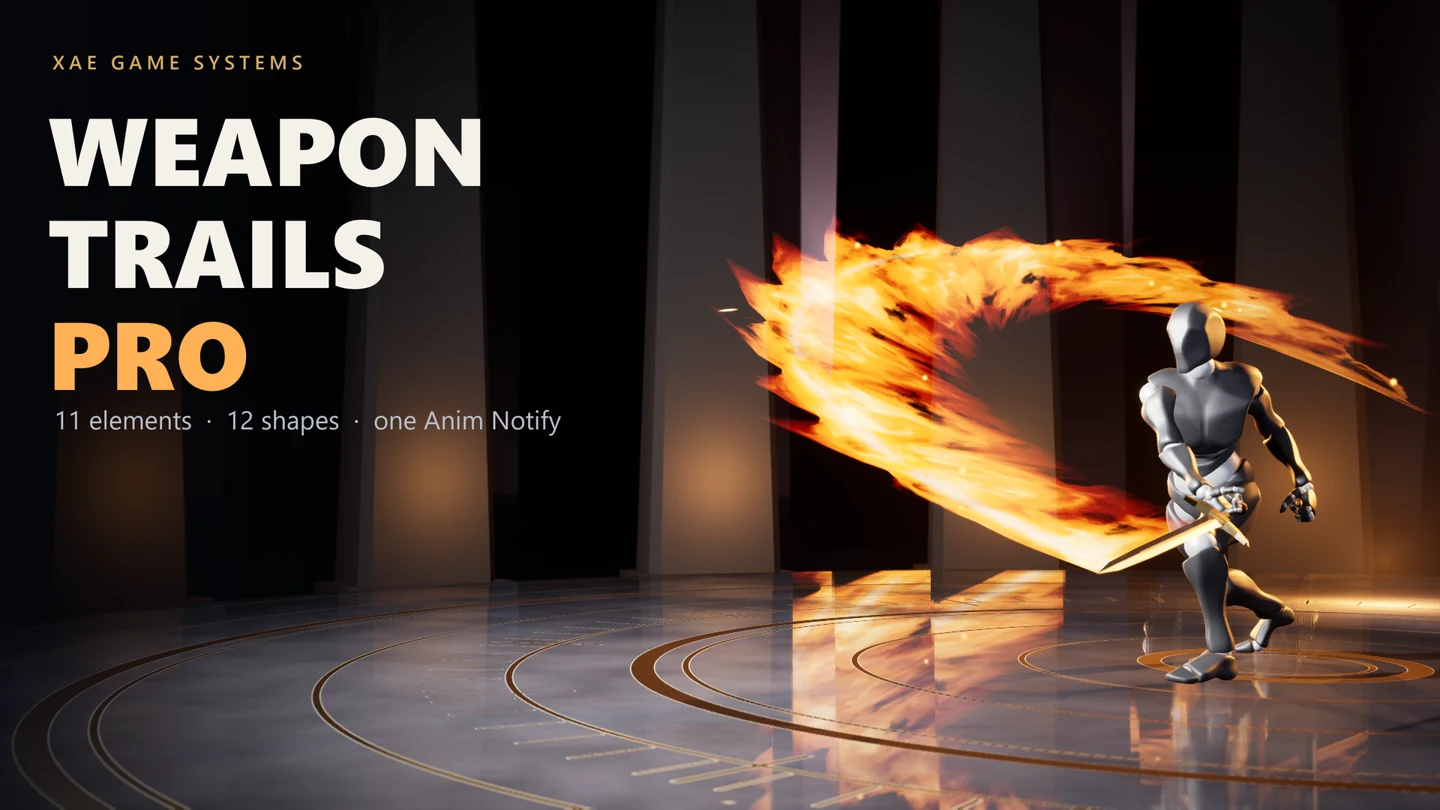 View full image
Visual only: no damage or hit detection. Each client playing the animation draws its own trails; no replication code. Windows (Win64); first-person view models are not supported in version 1.0.
For current engine versions, platform support, licensing and pricing, check the Fab listing .Features and integration.
- 11 element presets and 12 independent trail shapes
- Up to 6 layers, speed response and optional particles
- Per-attack overrides and editable Data Asset presets
See it in action.
Video could not load. , open the video directly or watch the Quick Start on YouTube .
Real in-engine showcase. On-screen labels explain the visual examples.
From install to in-game.
Add ANS_WeaponTrailPro over the strike in an attack montage. Test the default Steel trail, choose a Trail Preset, and use Customize This Attack for per-attack changes.
Watch the Quick StartStart with the written guide.
Read the Quick StartThe complete reference is also included in the plugin's Docs folder.
Ask a setup questionWeapon Trails: Lite or Pro?
Choose Lite for a free blade-driven trail. Choose Pro for elemental looks, layered effects and reusable presets.
| Feature | Lite | Pro |
|---|---|---|
| Access | Free on Fab | Check current price on Fab |
| Starting look | Steel Motion trail | 11 element presets |
| Look controls | Colour, width, lifetime and material | 12 shapes and up to 6 layers |
| Authoring | Settings on the notify | Data Asset presets and per-attack overrides |
| Particles | No Niagara asset required | Optional Niagara particles |
Both follow the weapon’s real movement and support static and skeletal mesh weapons. Both are visual only: no damage or hit detection.
Explore Weapon Trails Lite